Notion AI Tutorial (2026): 4 Real Workflows Built on Databases
Most Notion AI tutorials stop at chat and writing. The real power is pairing the AI with databases. I walk through three systems I already run in my own workspace, build a new database live, and show where I still reach for Claude instead.
Productivity
11 min
I don't trust Notion yet at the level that I need it.
Disclosure: Some links below are affiliate links, at no extra cost to you. Notion didn't sponsor this post or the video, and the opinions are mine.
Deal: Startups can get free Notion credits through Notion for Startups. https://go.davidalex.com/notion-startup" rel="sponsored nofollow">Get free Notion credits
Quick answer
Notion AI is the AI built into Notion that can write, search and build inside your workspace, including whole databases from a plain-language request. Its real power comes from pairing it with databases. You personalize Notion Agent, ask it to create pages or fill properties, and add automations. Full Notion AI needs the Business plan at $20 per member a month.
What you need to know | Details |
What it is | The AI assistant inside Notion, now called Notion Agent |
What it can do | Chat, write, build databases, autofill properties, search your workspace and connected apps |
Plans | Full access on Business ($20 per member a month) and Enterprise. Free and Plus get a limited trial |
AI models | Pick from Claude, GPT and Gemini models, or leave it on Auto |
Personalization | One Notion Agent with a name, a personality and an instructions page |
Recurring, scheduled work | Use Custom Agents, which run on Notion credits |
How I tested Notion AI
I recorded this inside my own Notion workspace after six to eight months of using Notion AI day to day. I walked through three systems I already run: a Threads content database, a client's YouTube production workspace and a client idea intake form. Then I built a new YouTube thumbnail database live with Notion AI, start to finish. Pricing and plan details were rechecked on Notion's own pages on October 19, 2026.
Some background on why I care about this: I sold a company based on what I built in Notion, and that was before Notion AI existed. So databases are where I think Notion wins, and AI makes them much faster to build.
What can Notion AI actually do?
Notion AI can create content, build and edit databases, fill in database properties and search across your workspace and connected apps. Inside Notion it's now called Notion Agent. It lives in the corner of your workspace and in the sidebar, and it can work on pages for you, not only answer questions.
The part most tutorials skip is the database side. Notion AI can generate an entire database for you, with properties, views and filters, from a description. And once it exists, the AI can keep filling it. That's where the four workflows below come from.
How to set up and personalize Notion Agent
Open Notion Agent's settings, give it a name and personality, choose its model and access, then write its instructions on a page. Here's what you can control:
Personality. Notion offers presets like warm and friendly or simple and efficient. I switch to simple and efficient for build work, because AI tends to do more than you need.
Model. Choose which LLM does the work. Notion supports Claude, GPT and Gemini models.
Access. Decide whether it can edit pages, search the web, and use connected apps like Notion Mail and Notion Calendar.
Instructions. The instructions are just another page in Notion. You can add or remove anything, add sub pages, and even tell the agent in chat to add something to its own instructions page.
People. You can tell the agent who handles what. For example: if it's a question about editing the video, tag my editor. If it's about the content, tag David. Then the agent tags the right person in the databases it builds.
The model choice matters for your budget. Because Notion gives you several LLMs in one place, some people drop a separate $20-a-month chatbot subscription and use Notion for everything. I haven't done that myself, because I use Claude a lot.
My frustration: only one AI personality
Notion Agent gives you one set of instructions, not a separate personality for each job. In Claude, you have projects. I'd love five Notion AI personalities: one for Threads, one for video scripts, one for strategic thinking. Some people have built clever workarounds with sub-agents, but it's far more complicated than it needs to be.
Notion does have prebuilt agents you can switch to, but it's about three layers deep, so switching feels like a big decision instead of a quick one. If you want separate agents with their own instructions and triggers, that's what Custom Agents are for. I break them down in my Notion Custom Agents guide.
Use case 1: Publish written content with a Notion AI database
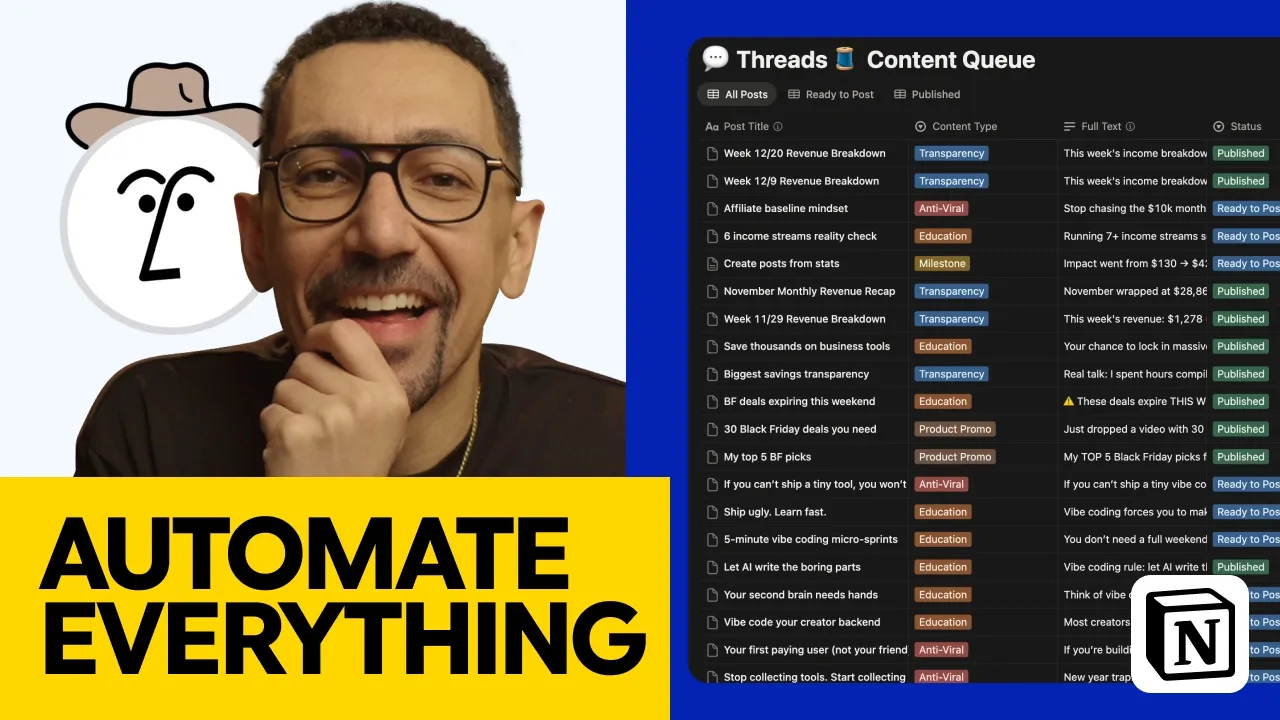
I use Notion AI to draft Threads posts straight into a content database, then I score and schedule the ones I like. Here's the setup.
How I built the instructions. I wrote them in Claude, not Notion. I uploaded screenshots of my Threads posts that did well, plus a lot of my own writing for tone and voice. Claude turned that into a structured system: agent overview, memory and context, purpose and identity, core functions, target audience and content pillars. I pasted it into my agent's instructions page.
How I run it. I ask in plain language for 20 new posts around vibe coding, using the principles that work on Threads, added to the content queue. Then I move the chat to the sidebar and watch it add posts to the database one by one.
How I review. Each post shows up as "ready to post." I copy it, schedule it in my scheduling tool, then mark it published so a filter hides it. I also score every post. I had the AI add a score property, so when it generates new content, it can see how I scored the last batch.
My honest take on the output: it's like a 60/40. It's cool, not life changing. One post ranked tools based on an opinion I'd told it earlier and since changed my mind on. So the drafts are only as current as what you've fed it.
How do Notion database automations work with AI?
Database automations let a change in one property trigger an action, like an email or a tag. You'll find them in the row of buttons at the top of every database. A few examples I use or would use:
Status change → notification. I find 10 posts I like and switch their status, and my editor gets notified that they're ready to review.
Button → email. A client clicks an Approve button on a video idea, and I get an email.
Form submission → new database item. Covered in use case 3.
Every database also gives you filters, sorting and grouping. And every property in it is something you choose. Notion AI built all of mine from what I asked for, and you can add or delete properties any time.
Use case 2: Manage a client's video content in Notion
I run a client's YouTube channel, with over 120,000 subscribers, from one Notion workspace that Notion AI built for me. I gave it guides and direction, and it built the rest. The workspace has four views:
View | What it shows | Who uses it |
Publishing calendar | Every video on its Friday publish date. Drag a video and its date property updates | Client and me |
Ideas with Approve button | Video ideas the client can approve, which emails me | Client |
Production pipeline | Where every video sits in the process | Me |
Editor's dashboard | Videos ready to edit, then ready to review, ready to publish, published | My editor |
And that means the client sees ideas and progress without a single status email. My editor works from the same database on the back end.
Use case 3: Build a client intake form in Notion
A Notion form is a front end for a database, so every answer lands in the right property automatically. My client uses one to send video ideas instead of emailing me.
The form asks for the video title, description, video type and priority, like "long format, high priority, live by the 27th." When they submit, I get an email, and a new item appears in the database with every property filled in. Nobody does extra work, and ideas stop getting lost in random emails.
If you're collecting forms outside Notion today, I compared other options in Google Forms alternatives.
Get free Notion credits with Notion for Startups
How to build a database with Notion AI, step by step
Create a new database page, describe what you need, have Notion AI plan it first, then approve the build. Here's exactly how I built a YouTube thumbnail database on camera.
Create a new page and choose New database. You can name it or leave it.
Describe the job in detail. I dictated mine with Wispr Flow: one title plus two or three variations, a thumbnail concept, two to four words on the thumbnail, one of six emotions, and a link to my production pipeline database.
Ask for a plan, not a build. I asked for a strategy session: each property, each view, a high-level overview. Pro tip: say "please don't create anything until I approve it." It saves a lot of back and forth.
Cut what you don't need. Notion AI suggested seven status steps. I only use three: In design, Live and Kill. AI tends to overbuild, so trim it.
Ask for the details that make it usable. I asked for emojis before every status option, a list view and a board view that shows the uploaded thumbnail image as a preview.
Approve the build. It searched my workspace (99 results), connected to the production pipeline and built the properties and both views in a couple of minutes.
Turn on AI autofill for the properties that need it. I asked it to make the suggested-title and thumbnail-words properties AI generated, with custom rules: two to four words, and never repeat a word from the title.
Turn on auto update. Now every new item fills itself in.
Share it. Type in your team's emails to give them access, or add a form.
My test was a VOIP phone system video. The first round came back with "Stop overpaying" on the thumbnail and "Stop overpaying for VOIP in 2026" as the title. Repeated words, exactly what I'd said not to do. So I iterated in the chat:
I asked for one title from me and one AI-generated title, instead of three.
I put the rule for thumbnail words directly into the property's AI instructions.
The next round gave me "Real tests" and "The winner." That's right in line with what I wanted.
Common mistakes when building with Notion AI
Letting it build before you see the plan. You'll spend more time deleting than building.
Accepting the default complexity. If you won't use seven statuses, ask for three.
Putting rules in the chat only. Rules that should apply every time belong in the property's AI autofill instructions.
Expecting one pass. Plan on two or three rounds of feedback in the chat.
How much does Notion AI cost in 2026?
Full Notion AI comes with the Business plan at $20 per member a month. Free and Plus only get a limited trial.
Plan | Price (checked October 19, 2026) | Notion AI |
Free | $0 | Limited trial of Notion AI |
Plus | $10 per member a month | Limited trial of Notion AI |
Business | $20 per member a month | Notion Agent, AI Meeting Notes, Enterprise Search |
Enterprise | Custom pricing | Everything in Business, plus zero data retention with LLM providers |
Notion credits | $10 per 1,000 a month | Needed for Custom Agents and premium models |
Notion says yearly billing saves up to 20%. Business and Enterprise include a usage allowance for some AI features. Premium models are off until an admin turns them on, and they use Notion credits.
Here's the math. As a solo creator on Business, you'd pay $20 a month, or $240 a year. A five-person team pays $100 a month, or $1,200 a year, before any credits.
When the video went live, Notion AI cost about $10 a month. That has changed. The full AI tools now sit on the Business and Enterprise plans.
Notion AI vs Claude: which should you use?
Use Notion AI for anything that lives in your databases, and use Claude directly for writing in your own voice. That's how I split it today.
For the most authentic content, in my own voice and tone and not sounding like AI, I still go to Claude directly. As I said in the video, "I don't trust Notion yet at the level that I need it." The single personality is a big part of that.
But nothing I use builds and runs databases the way Notion AI does. It reads the pages you already have, builds the structure, fills the properties and connects everything to your team.
Pick Notion AI if your business already runs on Notion and you want AI that works inside your databases, not next to them. Skip it if you mostly need a writing partner, or your data lives in another tool. In that case, see my Airtable alternatives breakdown first.
For startups, Notion for Startups can lower the cost while you test it.
Get free Notion credits with Notion for Startups
Notion AI tutorial FAQ
Is Notion AI free?
Not fully. Free and Plus plans include a limited trial of Notion AI. Full access comes with the Business plan at $20 per member a month, or Enterprise.
What AI model does Notion AI use?
You can leave it on Auto or pick from Claude, GPT and Gemini models. Workspace admins choose which models the team can use, and premium models need Notion credits.
Can Notion AI create a database?
Yes. Describe what you need, and Notion AI builds the properties, views and filters. Ask it to plan first and wait for your approval before it builds.
What is Notion AI autofill?
Autofill lets AI fill in a database property for every item, like a summary, keywords or suggested title. You can give each property its own instructions and turn on auto update so new items fill themselves in.
What is the difference between Notion AI and Custom Agents?
Notion AI, or Notion Agent, works when you ask it to. Custom Agents run on their own schedules and triggers, with their own instructions, and they use Notion credits.